 RingaBoo

Then the rest of the evening, one call at a time.
Screens off is free. With Pro, three more calls take you from the living room to lights out. Ring them yourself, or schedule them to ring at the times you choose.
6:58 PM · one more episode?
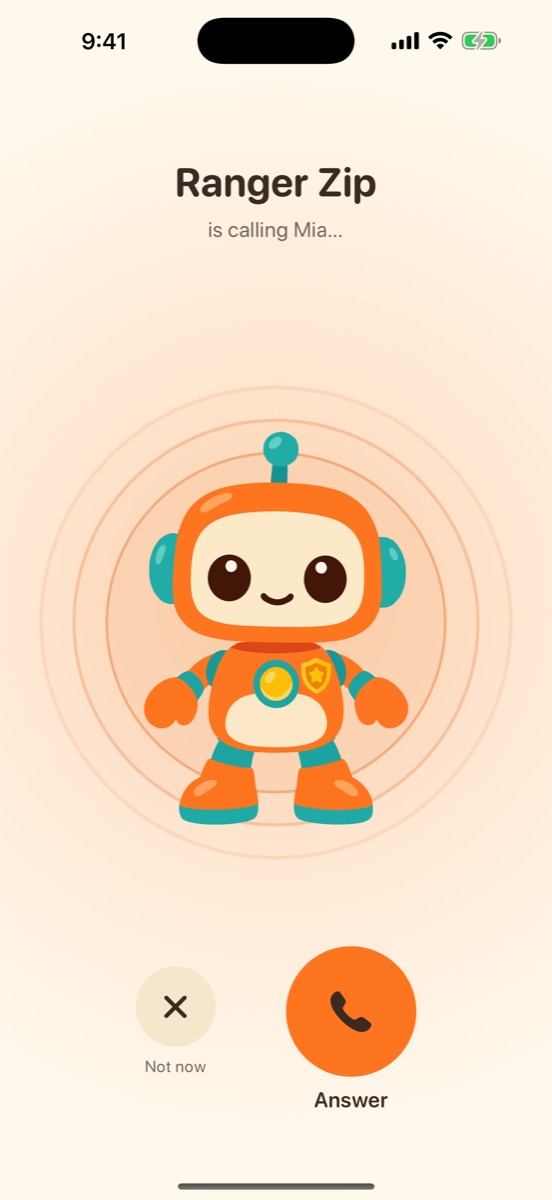
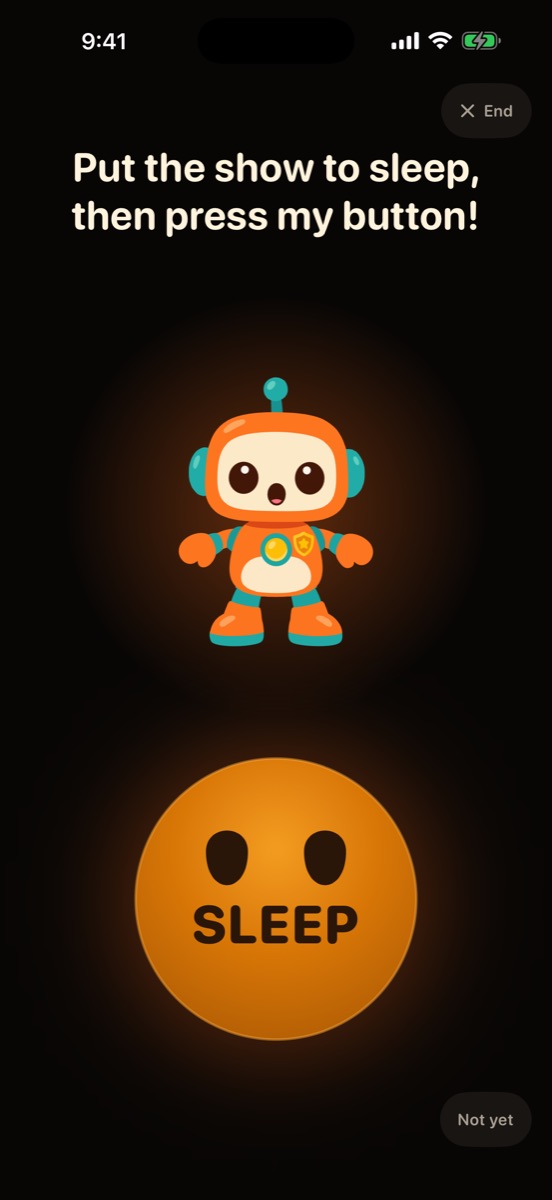
RingaBoo is a short, pretend phone call from a friendly character. It rings when the episode is over, asks your child for a hand putting the show to sleep, and then gives the evening back to you.
RingaBoo has not been tested in a study of its own. Its design follows what researchers heard from families about getting young children off screens.
A parent’s “two more minutes” made switching off harder, not easier.
So there is no countdown. The call comes once the episode is over.
University of Washington, 55 families with children aged 1 to 5 [1]
It went more smoothly at a natural stopping point, as part of a routine, and when the technology was to blame, like a dead battery.
So the call rings at the end of an episode, can ring at the same time each day, and the character asks for help putting the show to sleep. Nobody has to be the bad guy.
University of Washington [1]
Parents said it helped to agree on episodes before the show, say what comes next, and offer simple choices.
So you make a deal before the show, one episode or two, and the call ends with two things to do next for your child to pick from.
Australian project with 14 parents, as reported by the researchers [2]
Screens off is free. With Pro, three more calls take you from the living room to lights out. Ring them yourself, or schedule them to ring at the times you choose.
7:05 PM
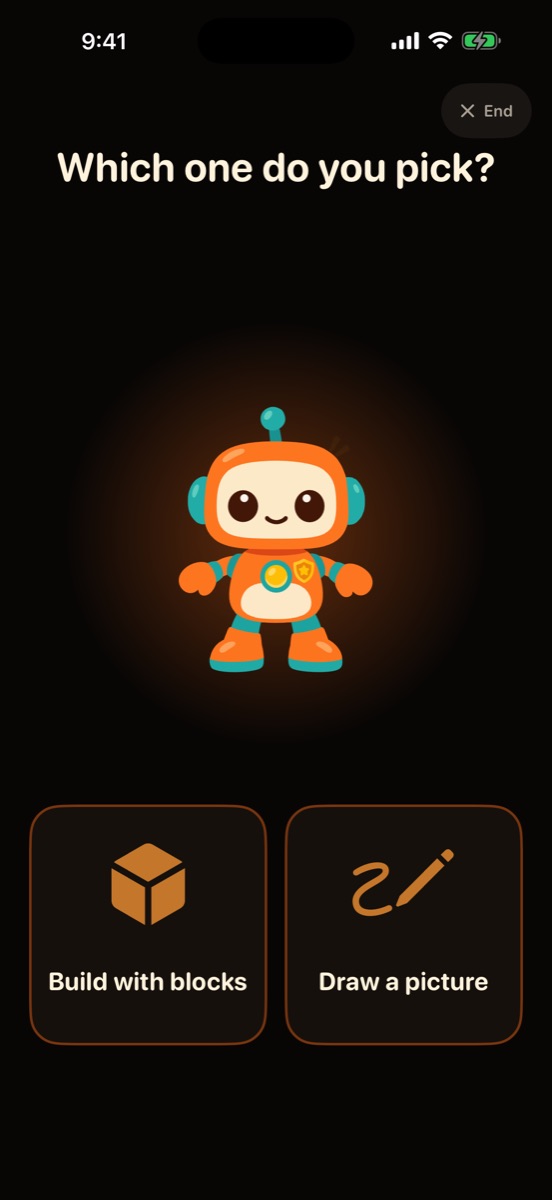
The robot calls back with a three-minute timer and an “All done!” button for when the toys are away.
7:40 PM
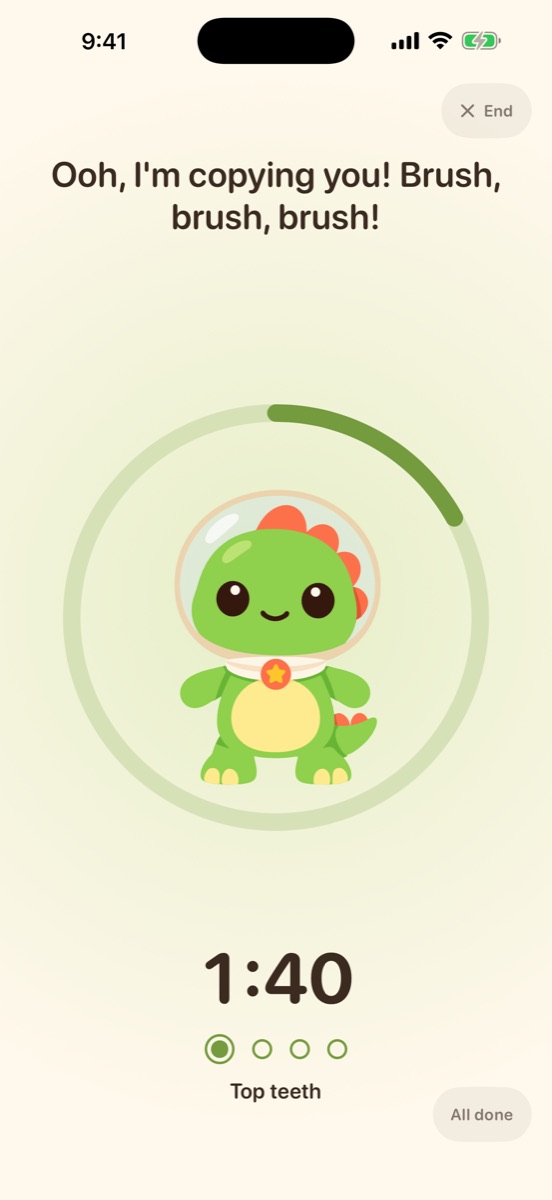
Two minutes with a space dinosaur, who says when to switch to the other side and cheers along.
8:05 PM
A starlight fairy, a dim amber screen and six slow breaths. When it ends, the screen stays dark and the phone goes to sleep too.
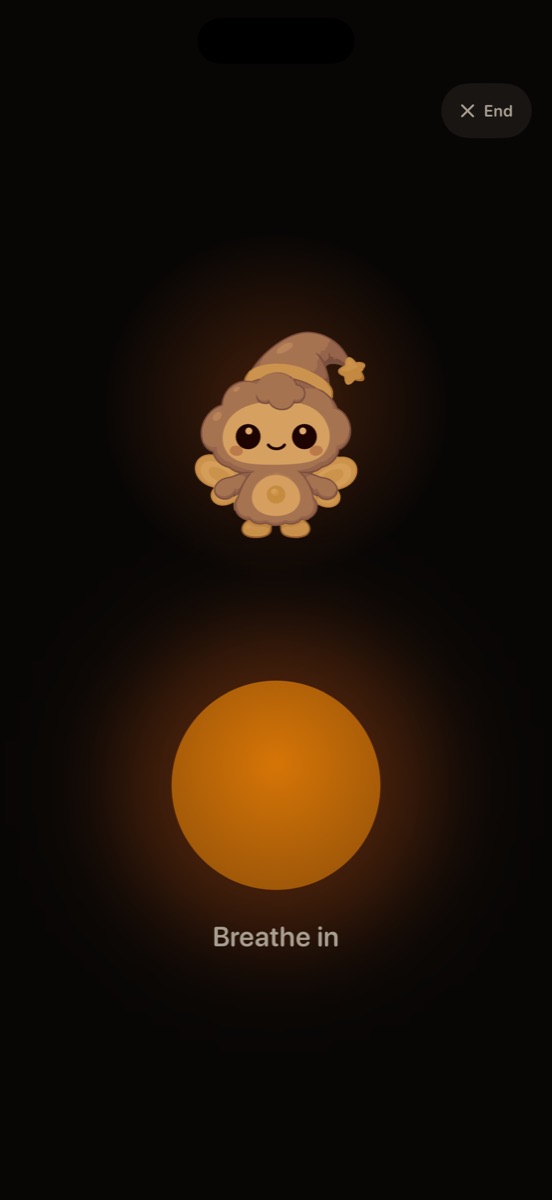
Four seconds in as the orb grows, four seconds out as it fades. The bedtime call does six of these, with the fairy saying each breath out loud, then holds for a goodnight hug.
Free
$0
Free for good, no trial needed
RingaBoo Pro
$29.99 a year
3-day free trial on the yearly plan, or $4.99 a month
U.S. prices. Payment is charged to your Apple Account at confirmation of purchase. The subscription renews automatically unless it is canceled at least 24 hours before the end of the current period. Manage or cancel it in your Apple Account settings. See the Terms of Use.
No. It is pretend play inside the app, and you start it. The characters are not real people, and it is up to you how you explain that to your child.
No. RingaBoo does not use the microphone and does not record audio.
It works best when the show is on another screen, such as a TV or tablet, and the call comes from your phone. If the show is on the same phone, you switch to the app when the episode ends.
Not yet. RingaBoo is iPhone only for now. The show itself can still play on any TV or tablet, including Android ones.
The name and age are stored on your phone. Only the first name, and an optional spelling hint, is sent to our server so the characters can say it. Details are in the Privacy Policy.
Its design is. It follows what researchers learned from families about switching off screens: no countdown from a parent, a natural stopping point, a routine, and a simple choice of what comes next. RingaBoo itself has not been tested in a study. The sources are listed in Shaped by what families told researchers.
No app can promise that. RingaBoo is a playful tool, not medical or parenting advice. After each call it asks how switch-off went, so you can see for yourself whether it helps.
Subscriptions are handled by Apple: open your Apple Account settings and tap Subscriptions. To restore Pro on a new phone, use “Restore purchases” in the Parent Zone. More help is on the Support page.
8:30 PM
Download RingaBoo for iPhone. The screens-off calls are free.